Hoshiya Add-in
Free Microsoft Office add-in: convert Uzbek text to the new 2026 alphabet (ö, ğ, ş, ç) and between Latin and Cyrillic in Word, Excel, PowerPoint and Outlook.
- Add-in
- 2026
- Microsoft Office
- Rust
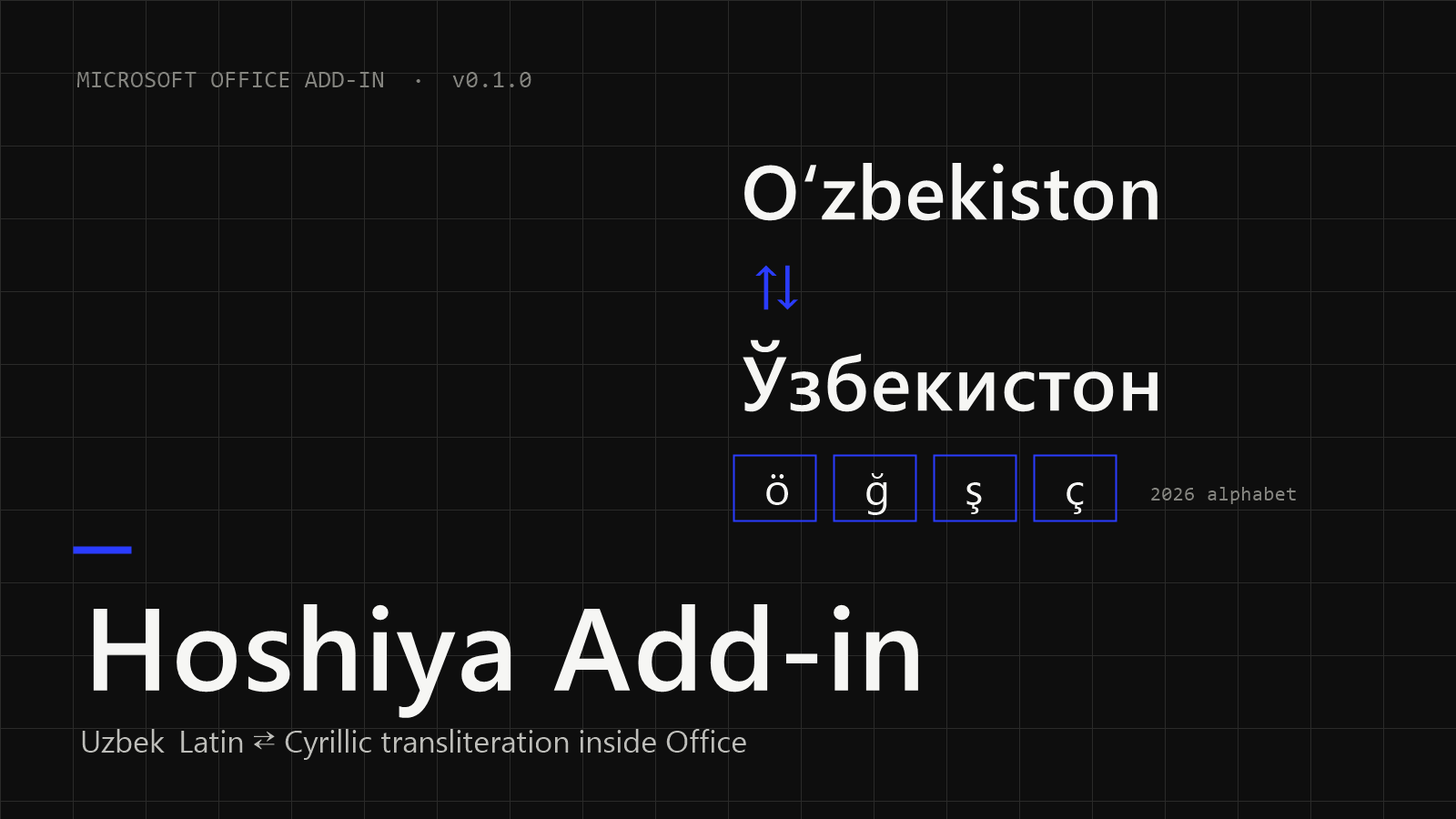
Uzbekistan's new Latin alphabet — oʻ → ö, gʻ → ğ, sh → ş, ch → ç — is law (O‘RQ-1184) and takes effect on 22 April 2027. Hoshiya brings the conversion into Microsoft Office: documents, spreadsheets, presentations and e-mails are converted in place, with their formatting, instead of being copied to a website and back.
What it does
- To the new alphabet — one button converts text in the old Latin alphabet or in Cyrillic to the 2026 alphabet: the selected text, or the whole document if nothing is selected. Pressing it again changes nothing. (version 0.2.0)
- Latin → Cyrillic — reads both the old and the new Latin alphabet.
- New letters on the ribbon — Ö, Ğ, Ş, Ç and the tutuq ʼ are typed where the cursor is, with no new keyboard layout. (version 0.2.0)
- Word, Excel, PowerPoint and Outlook — a group on the Review tab. Excel formulas, numbers and dates are never touched; Word keeps fields, links, comments and footnotes, and one Undo reverts the whole conversion. (Outlook: version 0.2.0)
- Careful rules — English words, links, e-mail addresses and Roman numerals stay as they are; 17 transliteration rules and an exceptions dictionary (kuryer, marganets, slanets…) handle oʻ, gʻ and the apostrophe correctly.
- Same engine as Hoshiya Office — the open-source Rust
uz-translitlibrary, tested against a golden word list.
Download
Download for Windows — v0.1.0, MSI — Latin ⇄ Cyrillic in Word, Excel and PowerPoint. Version 0.2.0 (new-alphabet button, letters, Outlook) is in testing and will replace it here.
Requires Windows 10 or 11 and Microsoft Office (tested on Office 2019; built for Office 2010 – Microsoft 365). SHA-256: e70fd233791c0da9eee4f1a970497843ccea751a1023b1275f4cfbfab340729b